

Introducing Biomni Lab API: Programmatic access to agentic science
Run Biomni agents from your own code. The Biomni Lab API is now in beta for Pro users.
Over the past few months, enterprise R&D teams have been using Biomni through its API to bring AI-powered scientific research into their own environments and workflows.
Working with these teams has helped us understand what researchers need to move beyond individual AI-assisted tasks toward more scalable, programmable research workflows.
Today, we’re bringing that capability to more researchers. The Biomni Lab API is now available in beta to Pro users, allowing scientists and developers to run Biomni agents directly from their own code, automate multi-step research workflows, and scale analyses across datasets.
Instead of running each task manually, you can now:
- Analyze many datasets at once: run up to 10 tasks in parallel and collect the results in one script.
- Chain agents: download one task’s results and pass them to the next task as inputs.
- Run unattended, or with sign-off: auto mode answers the agent’s questions so your script keeps running, and plan mode waits for a person to approve the approach first.
- Pin the model: choose Standard, Max, or any model you like so every run in a batch uses the same model.
- Hand off to a scientist: every task opens in Biomni Lab, where a colleague can read the trace and keep the conversation going.
- Seamlessly upload and download data: upload input files and download every result file the agents write.
Useful applications include batch analyses, literature research across papers and genes, and review steps inside your existing pipelines.
Two examples to start
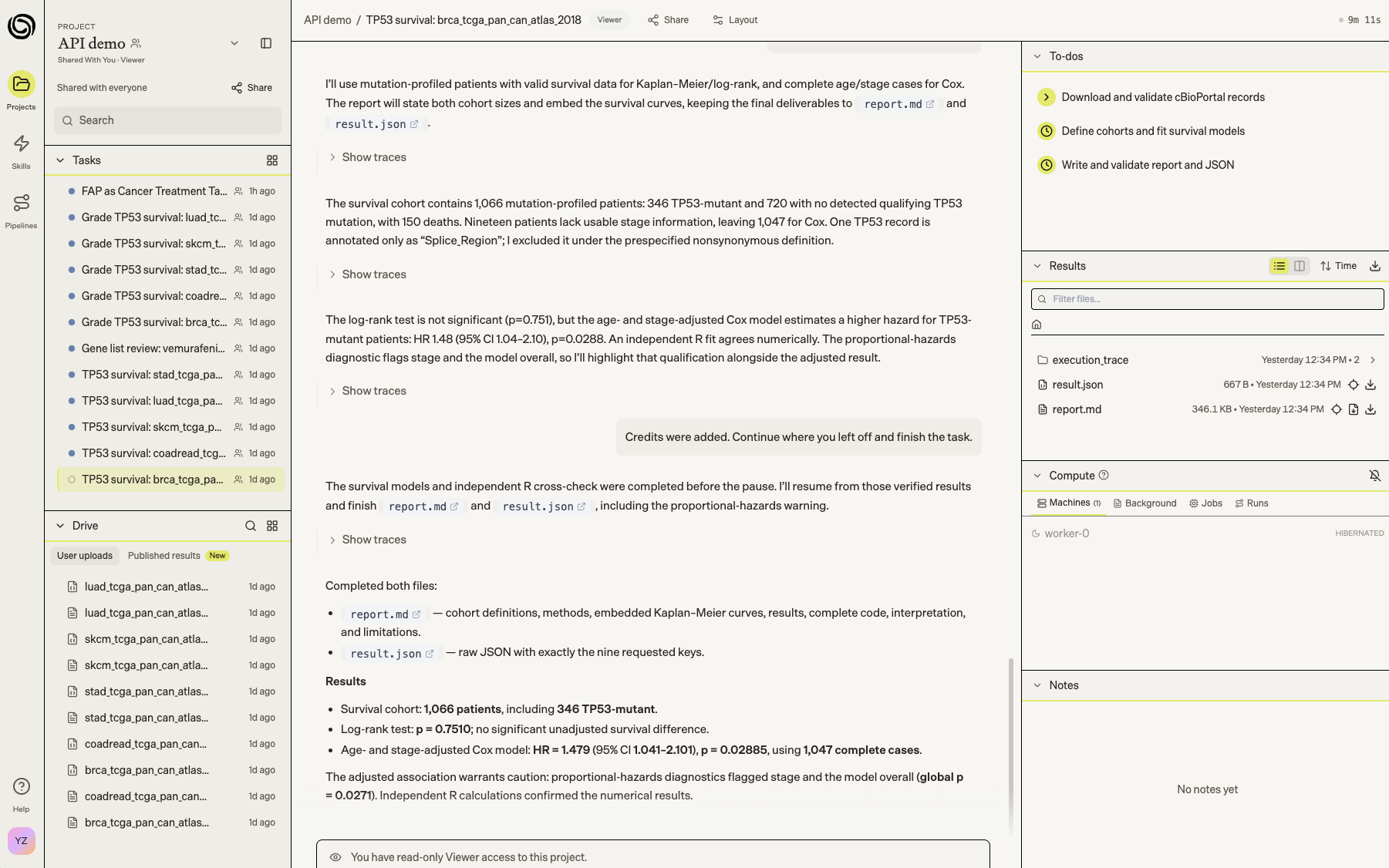
1. One question, five cancers.
Does TP53 mutation predict overall survival? One script launches five independent Biomni tasks, one per TCGA cancer cohort: lung, colorectal, breast, melanoma and stomach. Each agent pulls the data from cBioPortal, runs Kaplan–Meier and Cox models, and writes a report and a JSON summary. When an analysis finishes, the script hands it to a second agent that grades it against a 100-point rubric.
Full script: Running batch analyses across datasets.
2. Check a CRISPR screen before the bench.
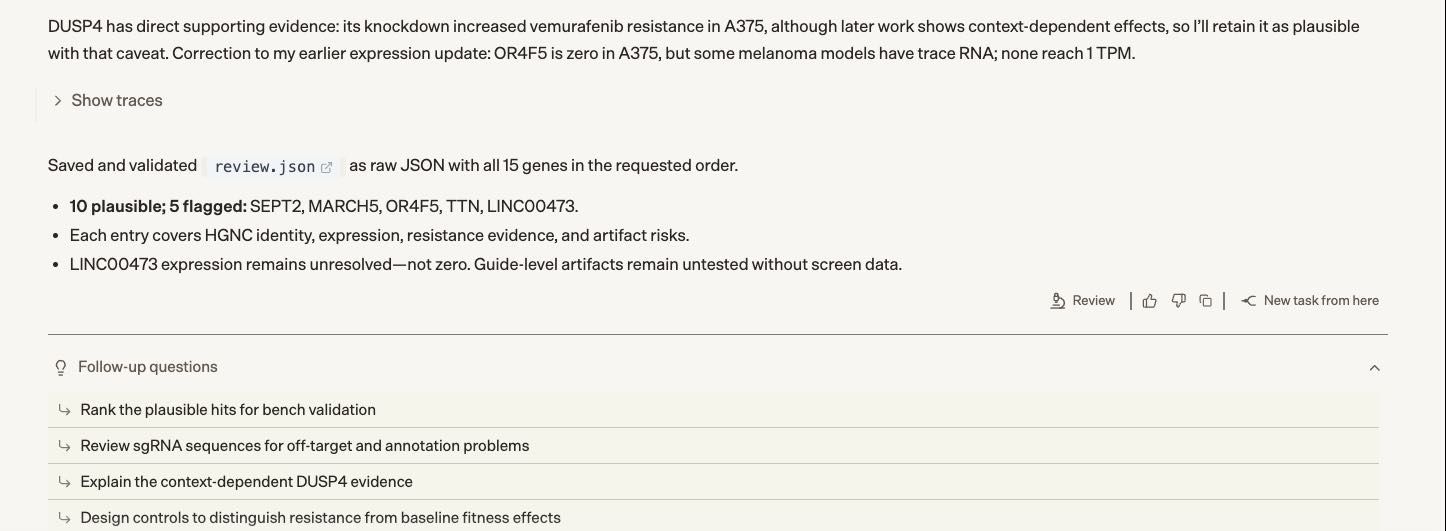
Add scientific review to an existing screening pipeline: your script sends Biomni the top hits and experimental context from a CRISPR screen for vemurafenib resistance in melanoma cells. The agent checks gene names, expression in melanoma cells, supporting literature, biological plausibility and potential screen artifacts, then returns structured findings for each gene.
Your script collects the findings locally and turns flagged genes into a checklist for a scientist before follow-up experiments, with a link to the task in Biomni Lab. This lets you maintain project context and results in your own workflow while delegating a focused scientific task to Biomni.
In our run with 15 top hits, Biomni flagged five: two outdated gene names, two genes that melanoma cells barely express, and one noncoding RNA that a standard knockout may not disrupt.
Full script: Reviewing a gene list.
Start with the quickstart, then the recipes for both examples.
API usage draws on a prepaid balance, located in your Settings > Billing. API is in beta today and thus some endpoints may change, and we’ll give 90 days’ notice before any breaking change.
On the Free plan? Upgrade directly to Pro in your Settings > Billing.
Tell us what you run in the Biomni Slack community.